How to Migrate to Shopify in Pakistan (Without Losing Rankings)

Maybe your current store is slow, hard to manage, or built on a platform you’ve outgrown — and Shopify keeps looking more appealing. Migrating an existing store sounds daunting: what happens to your products, your customers, your Google rankings? The good news is that moving to Shopify is a well-trodden path, and done properly it’s smooth and safe. This guide explains how to migrate to Shopify in Pakistan without losing data, customers, or search rankings along the way.
Key takeaways
- Migrating means moving products, customers, and orders to a new Shopify store.
- The biggest risks are losing data and losing SEO rankings — both are avoidable.
- Redirects from old URLs to new ones protect your search rankings.
- Plan, migrate, test thoroughly, then switch over — don’t rush the go-live.
- A migration is a good moment to improve your store, not just copy it across.
Why businesses migrate to Shopify
Most migrations happen for a simple reason: the current setup has become more of a burden than a help. A store might be slow, constantly needing maintenance, prone to breaking, or built on a platform that’s hard to manage without technical help. Owners who’d rather spend their time selling than wrestling with their website start looking for something more reliable and hands-off — and Shopify, with its hosted, low-maintenance model, is a natural destination.
Others migrate because they’re growing and their current platform can’t keep up, or because they want Shopify’s strengths — reliability, ease of use, and strong international selling tools. Whatever the reason, it’s worth being clear about what you’re hoping to gain, because that clarity guides the whole migration. Moving platforms is an investment of effort, so knowing exactly why you’re doing it keeps the project focused on the outcomes that matter to you.
What actually gets moved
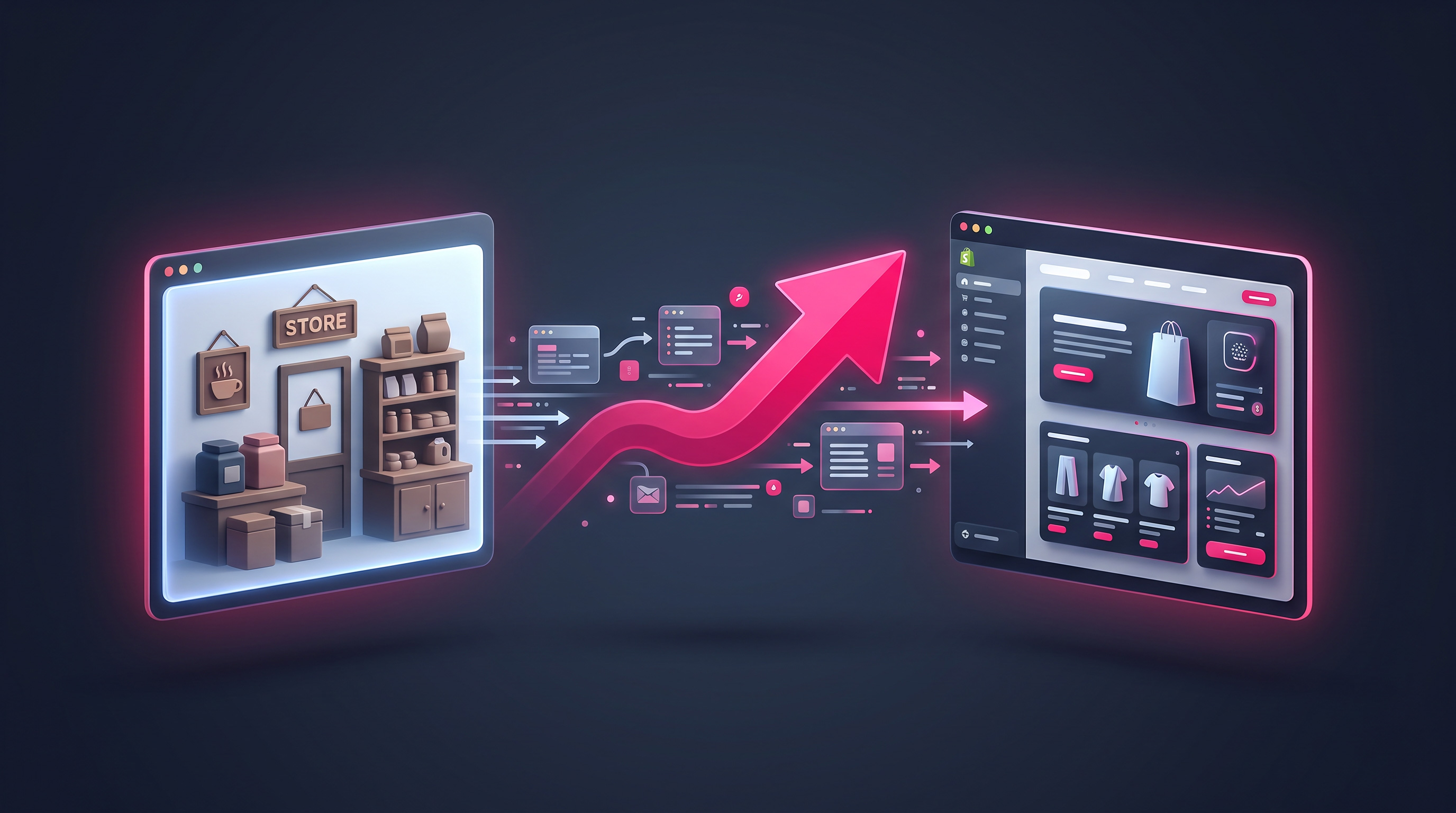
A migration involves transferring the core data that makes up your store. That means your products — names, descriptions, images, prices, and variants — your customer records, and your order history, so you keep the valuable information you’ve built up. Getting this data across cleanly and completely is the technical heart of a migration, and it’s very achievable with the right approach and tools rather than tedious manual re-entry.
Alongside the data, you’ll rebuild the store itself on Shopify: choosing and customising a theme, setting up your navigation, and configuring payments, shipping, and the Pakistan essentials like Cash on Delivery. This is where a migration becomes an opportunity rather than a chore — instead of copying your old store’s flaws across, you can take the chance to improve the design, structure, and customer experience while you’re at it.
Protecting your SEO and rankings
This is the part that worries people most, and rightly so — a careless migration can tank the search rankings you’ve spent years building. The key is URL redirects. When your pages move to new addresses on Shopify, you set up 301 redirects that automatically send visitors (and search engines) from each old URL to its new equivalent. This preserves the value Google has assigned to your pages and stops customers hitting dead ends. Skip this step and you risk a painful drop in traffic.
Beyond redirects, you’ll want to carry over your page titles, meta descriptions, and other SEO elements so that Google recognises your content on the new platform. Mapping out your important URLs before you migrate, and putting the redirects in place at go-live, is what separates a safe migration from a risky one. It’s detailed work, but it’s the single most important thing you can do to protect the traffic and rankings your business depends on.
The golden rule: don’t take your old store offline until the new one is fully built, tested, and ready — including redirects. Migrate and rebuild in the background, test the entire buying journey, and only switch over when everything works. A rushed go-live that breaks checkout or loses rankings costs far more than the extra days spent testing properly.
The safe migration process
A safe migration follows a clear sequence. First, plan: audit your current store, list your products, note your important URLs, and decide what to improve. Then build and migrate: set up the new Shopify store, transfer your products, customers, and orders, and rebuild the design and settings. Next, test everything thoroughly — check products, prices, images, the whole checkout journey, and your redirects — ideally on a phone as well as a desktop.
Only once you’re confident the new store is complete and working do you switch over: point your domain to Shopify and activate your redirects. After go-live, keep monitoring — watch your traffic, test a few orders, and check that search engines are finding the new pages. Handled this way, a migration is low-drama and low-risk. Rushed or done blind, it’s where stores lose data and rankings, so the discipline of plan-build-test-switch is what keeps you safe.
Because a migration touches data, design, and SEO all at once, it’s the kind of project where professional help pays for itself — a mistake with redirects or lost data is expensive to fix afterwards. We migrate existing stores to Shopify for Pakistani businesses, moving your data cleanly and protecting your rankings, so you gain Shopify’s benefits without the risk. Our guide on whether Shopify is worth it can help you confirm it’s the right move first.
Common migration mistakes to avoid
Most migration disasters come from a handful of avoidable errors. The biggest is taking the old store offline before the new one is fully ready, leaving customers with a broken or missing store during the switch. Closely related is forgetting the URL redirects, which is what causes the dreaded ranking and traffic drop. Both are entirely preventable with a bit of planning, yet they’re the mistakes that turn a routine migration into a costly one.
Other common slip-ups include not testing the checkout thoroughly before go-live, so a payment problem only surfaces once real customers hit it, and skipping the transfer of SEO details like page titles and meta descriptions. It’s also easy to migrate your old store’s flaws unchanged instead of improving them. Avoiding these pitfalls comes down to the same discipline throughout: plan carefully, keep the old store running until the new one is proven, test everything, and only then switch. Rushing any of those steps is where the real risk lives.
The bottom line
Migrating to Shopify in Pakistan is safe and worthwhile when it’s done properly. Move your products, customers, and orders cleanly; protect your search rankings with careful URL redirects; rebuild the store better than before; and follow the plan-build-test-switch sequence without rushing the go-live. Treat the migration as a chance to improve, not just to copy, and you’ll end up with a faster, more reliable store that keeps everything you’ve built. The one thing not to do is rush it — patience at go-live protects everything that matters.
Thinking of moving your store to Shopify?
We migrate existing stores to Shopify for Pakistani businesses — moving your products, customers, and orders cleanly, and protecting your search rankings with proper redirects. Tell us about your current store and get a clear quote within 24 hours.
Frequently asked questions
Will I lose my Google rankings if I move to Shopify?
Not if the migration is done properly. The key is setting up 301 redirects from your old URLs to the new ones, and carrying over your titles and meta descriptions, so Google recognises your content on the new platform. Done carefully, your rankings are preserved. It’s rushed migrations without redirects that cause traffic drops.
Can I move my products and customers to Shopify?
Yes. A migration transfers your products (names, descriptions, images, prices, variants), your customer records, and your order history to the new Shopify store. This is done with the right tools rather than manual re-entry, so you keep the valuable data you’ve built up. Clean data transfer is the technical heart of a migration.
How long does a Shopify migration take?
It depends on the size and complexity of your store, but the process is plan, build and migrate, test thoroughly, then switch over. The testing stage is worth not rushing. A key rule is to keep your old store live until the new one is fully built, tested, and ready with redirects in place.
Is it worth improving my store during migration?
Absolutely. A migration is the ideal moment to fix what wasn’t working — the design, structure, speed, or customer experience — rather than copying your old store’s flaws across. You’re rebuilding anyway, so it costs little extra to build better. Many businesses come out of a migration with a noticeably stronger store than before.
Should I keep my old store running during the migration?
Yes — this is the golden rule. Keep your existing store live and taking orders until the new Shopify store is fully built, tested, and ready with redirects in place. Only then do you switch your domain over. Taking the old store offline too early leaves customers with a broken store and is one of the most damaging migration mistakes.
Related articles

How Shopify Payments Work in Pakistan
How customers actually pay you on a Pakistani Shopify store — local gateways, Cash on Delivery, and getting your checkout right.

How to Choose a Shopify Theme for Your Pakistani Store
How to choose a Shopify theme the right way — speed, mobile experience, and clarity that converts, not just good looks.

How to Sell Internationally from Pakistan with Shopify
How to sell to the diaspora and global customers from Pakistan using Shopify — currencies, shipping, and reaching buyers abroad.