How to Migrate Your Website to WordPress in Pakistan

If your business is stuck on an outdated website, a page builder you can’t edit, or a developer who disappears every time you need a change, it may be time to move. This guide walks you through exactly how to migrate your website to WordPress in Pakistan — step by step — without losing your content, your design, or the Google rankings you’ve worked hard to earn.
Key takeaways
- Migrating to WordPress gives you full ownership of your site and the ability to update it yourself, without paying a developer for every small change.
- The safest migrations follow a fixed order: back up, rebuild structure, move content, match the design, redirect old URLs, then go live.
- 301 redirects are the single most important step for keeping your Google rankings during a migration.
- Most Pakistani business sites can be migrated in one to three weeks, depending on size and complexity.
WordPress isn’t a trend — it powers around 43% of all websites on the internet, from one-page portfolios to global newsrooms. For Pakistani businesses, that popularity translates into cheaper maintenance, easier hiring, thousands of plugins, and a platform you actually own rather than rent. But a migration done carelessly can wipe out years of SEO in a single afternoon. Here’s how to do it properly.
Why Pakistani businesses are migrating to WordPress
Most of the migration requests we receive at SuperSITE fall into one of three buckets. Understanding which one you’re in makes the whole process clearer.
You can’t edit your own website. Many businesses in Lahore, Karachi, and Islamabad were sold a “custom-coded” site or a locked page builder, and now every price change, new product, or blog post means emailing a developer and waiting days. WordPress puts that control back in your hands. With a visual editor, your team can update text, swap images, and publish offers the same day.
You’re outgrowing a DIY builder. Platforms like Wix or a basic template are fine for a first website, but they hit a ceiling — limited SEO controls, slow load times, and monthly fees that climb as you add features. WordPress scales from a brochure site to a full WooCommerce online store without forcing a rebuild later.
You want to own your digital asset. When your website lives on someone else’s proprietary platform, you’re renting. If they raise prices or shut down, your business is exposed. A self-hosted WordPress site — files and database in your name, on hosting you control — is an asset you own outright.

Reality check: Migrating to WordPress will not automatically make a bad website good. If your current site has weak copy, no clear call to action, or a confusing structure, fix those during the move — a migration is the perfect moment for a strategic refresh, not just a copy-paste.
Before you migrate: the pre-migration checklist
Ninety percent of migration disasters trace back to skipping preparation. Before anyone touches a single file, complete this checklist.
- Take a full backup. Download every page, image, PDF, and — if you can access it — the database of your existing site. Keep a copy on your own computer, not just on the server.
- Export your current URL list. Crawl your existing site and save every live URL to a spreadsheet. You’ll need this for redirects later, and it’s the step people most often forget.
- Record your top-performing pages. Open Google Analytics and Google Search Console and note which pages bring the most traffic and enquiries. These are the pages you protect at all costs.
- Gather your brand assets. Logo in vector format, brand colours, fonts, product photos, and any copy you want to keep.
- Check your domain and email. Know where your .pk or .com domain is registered and where your business email is hosted, so nothing breaks when you point the domain to new hosting.
If you don’t have access to your current site’s files or hosting login — a surprisingly common situation in Pakistan when the original “developer” kept everything — sort that out first. You can still migrate by rebuilding from the public pages, but recovering your accounts saves time.
How to migrate your website to WordPress: step by step
Here is the exact sequence we follow. Doing these in order is what keeps a migration calm instead of chaotic.
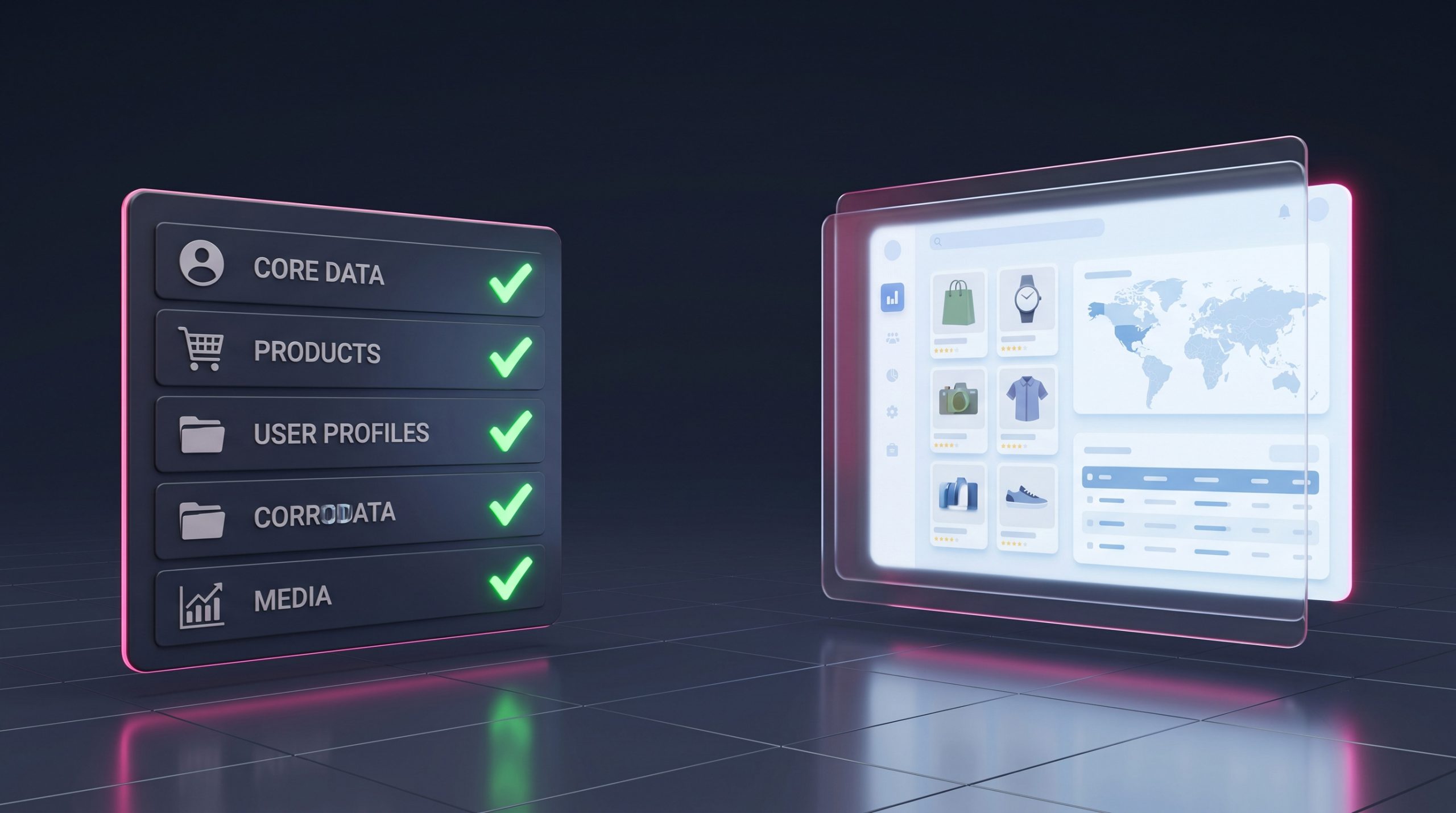
Step 1 — Set up hosting and your domain
Choose a hosting plan that suits Pakistani traffic. If most of your visitors are local, hosting with good regional performance and a CDN keeps pages fast. Point your existing domain’s DNS to the new host only at the very end — during the build, work on a temporary or staging URL so your live site stays online and untouched.
Step 2 — Install WordPress
Nearly every reputable host offers one-click WordPress installation. Once installed, remove the default demo content, set your permalink structure to “Post name” for clean, keyword-friendly URLs, and install a lightweight, well-supported theme as your starting point.
Step 3 — Rebuild your site structure
Recreate your pages and menu to match — or improve on — your current structure. Keep the same core pages (Home, About, Services, Contact) and, wherever possible, keep the same URL slugs. Matching URLs means fewer redirects and less SEO risk. This is also the stage to build with a proper page builder; we use Elementor Pro on every WordPress project so clients can edit visually after handover.
Step 4 — Move your content
Transfer your text, images, and any blog posts into the new pages. For a handful of pages this is manual and quick. For a large blog or catalogue, WordPress’s built-in importer or a migration plugin can bring content across in bulk. Re-upload images at optimised sizes rather than dragging over bloated originals — this alone can dramatically improve load speed.
Step 5 — Match (or upgrade) your design
Rebuild your branding: logo, colours, typography, and layout. A migration is your chance to fix mobile responsiveness, since the majority of Pakistani users browse on their phones. If your old site looked dated, treat this as a light redesign rather than a pixel-for-pixel clone.
Step 6 — Set up 301 redirects
This is the step that protects your rankings. For every old URL that is changing, create a 301 (permanent) redirect pointing to its new equivalent. Use the URL spreadsheet you exported earlier. If you kept your slugs identical in Step 3, you’ll have very few redirects to write — which is exactly the goal.
Step 7 — Test everything, then go live
Before flipping the switch, test on the staging URL: click every menu item, submit every form, open the site on a phone, and run a speed check. When you’re confident, point your domain to the new hosting, confirm SSL (the padlock) is active, and submit your updated sitemap to Google Search Console. Keep the old site backed up for at least a month.
Want your migration handled end-to-end?
Our team migrates business websites to WordPress every week — backups, redirects, SEO, and a design refresh, all done for you with zero downtime.
How to migrate to WordPress without losing your Google rankings
The number one fear businesses have about migrating is “Will I drop off Google?” The honest answer: only if you skip the SEO steps. A properly executed migration preserves rankings — and often improves them, because WordPress sites tend to be faster and more mobile-friendly than the old ones they replace.
Follow Google’s own guidance on site moves. Their official site move documentation is clear on the essentials, which map onto the steps above:
- Keep URLs the same where you can, and 301-redirect the ones you can’t.
- Preserve your page titles, meta descriptions, and heading structure so Google recognises the content.
- Submit a fresh XML sitemap in Search Console immediately after launch.
- Don’t block the new site — double-check your reading settings aren’t accidentally set to “discourage search engines”.
- Monitor Search Console for crawl errors in the weeks after launch and fix any 404s promptly.
If organic search is a major channel for you, it’s worth pairing the migration with an SEO review so you launch stronger than before, not just “the same”.
Common WordPress migration mistakes Pakistani businesses make
| Mistake | Why it hurts | The fix |
|---|---|---|
| No 301 redirects | Old links and rankings return 404 errors; traffic drops. | Map every changed URL before launch. |
| Leaving “discourage search engines” ticked | Google is told not to index your new site at all. | Uncheck it under Settings → Reading after go-live. |
| Uploading huge, unoptimised images | Slow pages hurt both users and SEO. | Compress and resize images before upload. |
| No backup of the old site | If something’s missing, there’s no way back. | Keep the old site archived for 30+ days. |
| Going live without mobile testing | Most Pakistani visitors are on phones. | Test on real devices before launch. |
Should you migrate yourself or hire a professional?
If you have a small site, some technical comfort, and time to learn, a DIY migration is achievable — the steps above are the whole recipe. Budget a weekend for a simple brochure site and be prepared to troubleshoot hosting and redirects.
Hiring a professional makes sense when your site is large, when it drives real revenue you can’t risk, when you have an online store with orders and customers, or when you simply want it done right the first time with a design upgrade included. A specialist handles the backups, redirects, speed optimisation, and testing as a package — and you get a warranty and support afterwards. You can compare what’s involved and see transparent packages on our pricing page, or start with a free website audit to understand your current site’s strengths before you move.
Our recommendation: Whichever route you choose, never delete the old website until the new one has been live, indexed, and error-free for at least a month. That single habit prevents almost every migration horror story.
Frequently asked questions
Will migrating to WordPress hurt my Google rankings?
Not if it’s done correctly. By keeping your URLs consistent, adding 301 redirects for anything that changes, preserving your titles and meta descriptions, and submitting a new sitemap, your rankings carry over. Because WordPress sites are usually faster and more mobile-friendly, many businesses see rankings improve after a clean migration.
How long does it take to migrate a website to WordPress in Pakistan?
A simple brochure website typically takes a few days to one week. A larger site with many pages, a blog, or an online store usually takes two to three weeks, including design, content transfer, redirects, and testing.
Can I keep my existing domain and email?
Yes. Your domain stays the same — you simply point it to your new WordPress hosting at the end of the process. Business email can continue running on its current provider; just make sure the email DNS records are preserved when the domain is repointed.
How much does a WordPress migration cost in Pakistan?
It depends on the size of your site and whether you want a design refresh included. Small sites are inexpensive to move; larger sites and online stores cost more because of content volume and testing. See our pricing page for transparent, all-inclusive packages.
What happens to my old website after migration?
Keep it backed up and, ideally, live for at least 30 days after launch as a safety net. Once you’ve confirmed the new site is fully indexed and error-free in Google Search Console, you can retire the old one.
Ready to move to WordPress?
Migrating your website to WordPress is one of the highest-return decisions a Pakistani business can make: lower running costs, full control, better speed, and an asset you truly own. Follow the order in this guide — back up, rebuild, move content, match design, redirect, test, launch — and you’ll keep everything that matters while gaining a platform built to grow with you.
If you’d rather have experts handle the move with zero downtime and no lost rankings, get in touch with our team or browse our recent work by requesting our portfolio. We’ve been building and migrating websites for Pakistani businesses since 2001.
Related articles

Why WordPress Powers 43% of the Internet
Why does WordPress power 43% of the internet? Six reasons — free, open-source, flexible, owned by you — and what that means…

WordPress vs Wix for Pakistani Businesses
WordPress vs Wix for Pakistani businesses — an honest comparison of cost, ease, design, SEO, and ownership to help you choose the…

How to Speed Up Your WordPress Website in Pakistan
Slow WordPress site? Learn how to speed up your WordPress website in Pakistan — images, caching, hosting, and CDN — for better…