How to Set Up a Shopify Store in Pakistan (Step-by-Step)
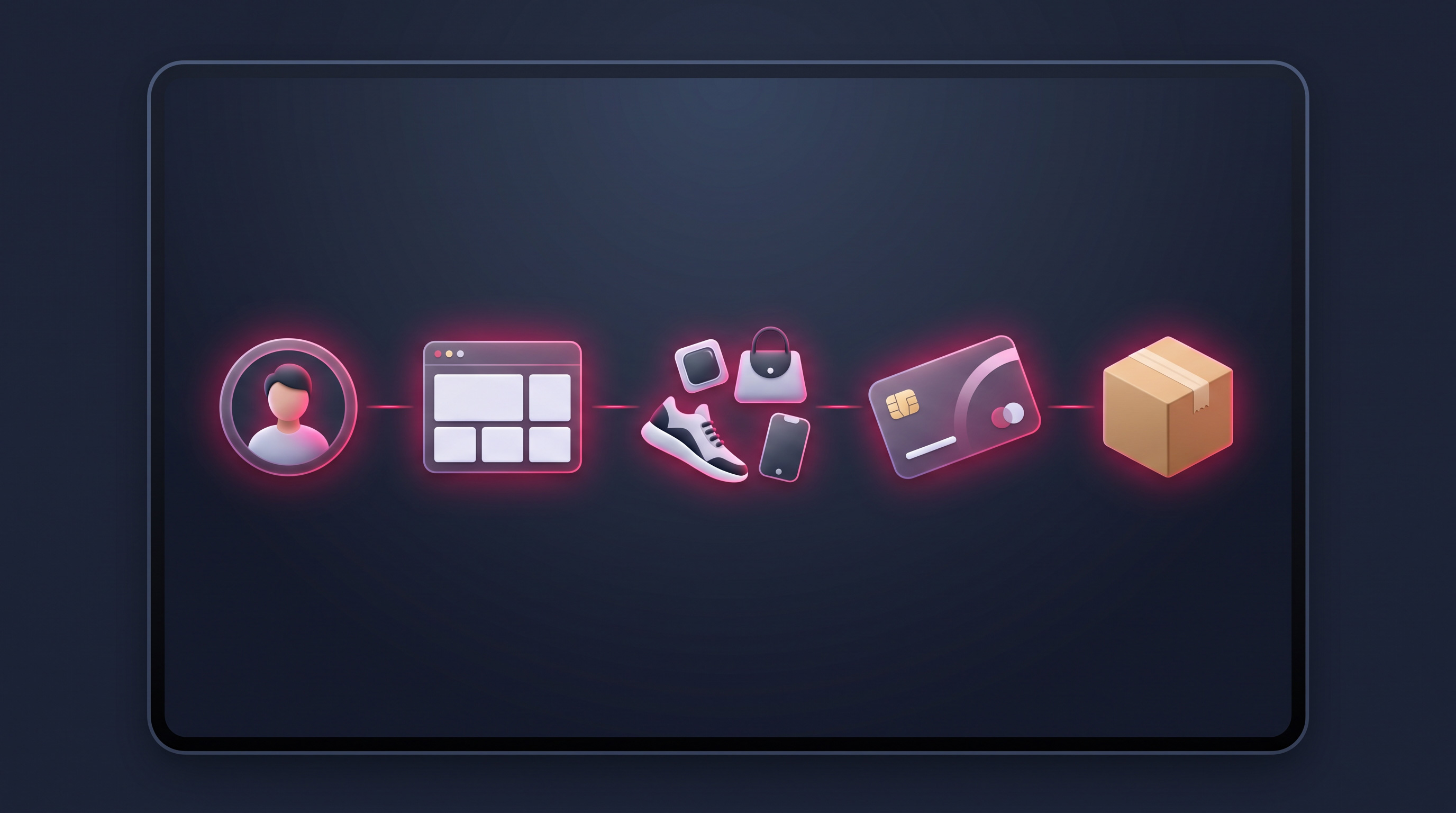
Setting up a Shopify store looks intimidating from the outside, but the process is more logical than most people expect. If you take it step by step — and get the Pakistan-specific parts right, like Cash on Delivery and courier delivery — you can go from an empty account to a store that’s genuinely ready to take orders. This guide walks you through setting up a Shopify store in Pakistan, in plain language, from account to launch.
Key takeaways
- Setup follows a clear order: account, theme, products, payments, delivery, then launch.
- Good product photos and descriptions do more for sales than any theme.
- Cash on Delivery and courier setup are the Pakistan-specific must-dos.
- Test the entire buying journey on a phone before you go live.
- Launch when it’s solid, not perfect — you can refine as orders come in.
1. Create your account and settings
Start by creating your Shopify account and choosing a plan — the entry-level plan is fine to begin with, and you can upgrade later. Before anything else, work through the core settings: your store name, contact details, currency, and time zone. Set your currency to Pakistani Rupees (or your primary selling currency if you’re targeting overseas buyers), and add your real business contact information, which also helps build customer trust.
Take a few minutes here to get the basics right, because they underpin everything else. A clear store name, an accurate address, and correct currency and tax settings save you from confusing fixes later. It’s the least glamorous step and the one people rush — don’t.
2. Choose and customise your theme
Your theme is your store’s design. Shopify offers a range of free and paid themes that look professional out of the box, so pick one that suits your products and brand. Then customise it: add your logo, set your brand colours, write a clear homepage message, and set up your main navigation so customers can find products easily. You don’t need design skills to make a clean, trustworthy store — just consistency.
Resist the urge to over-decorate. A simple, fast, uncluttered store converts better than a busy one crammed with sliders and pop-ups. Focus on making your products the star and your navigation obvious. If you want the store to look genuinely premium and bespoke, that’s where professional design pays off — but a tidy customised theme is a perfectly strong start.
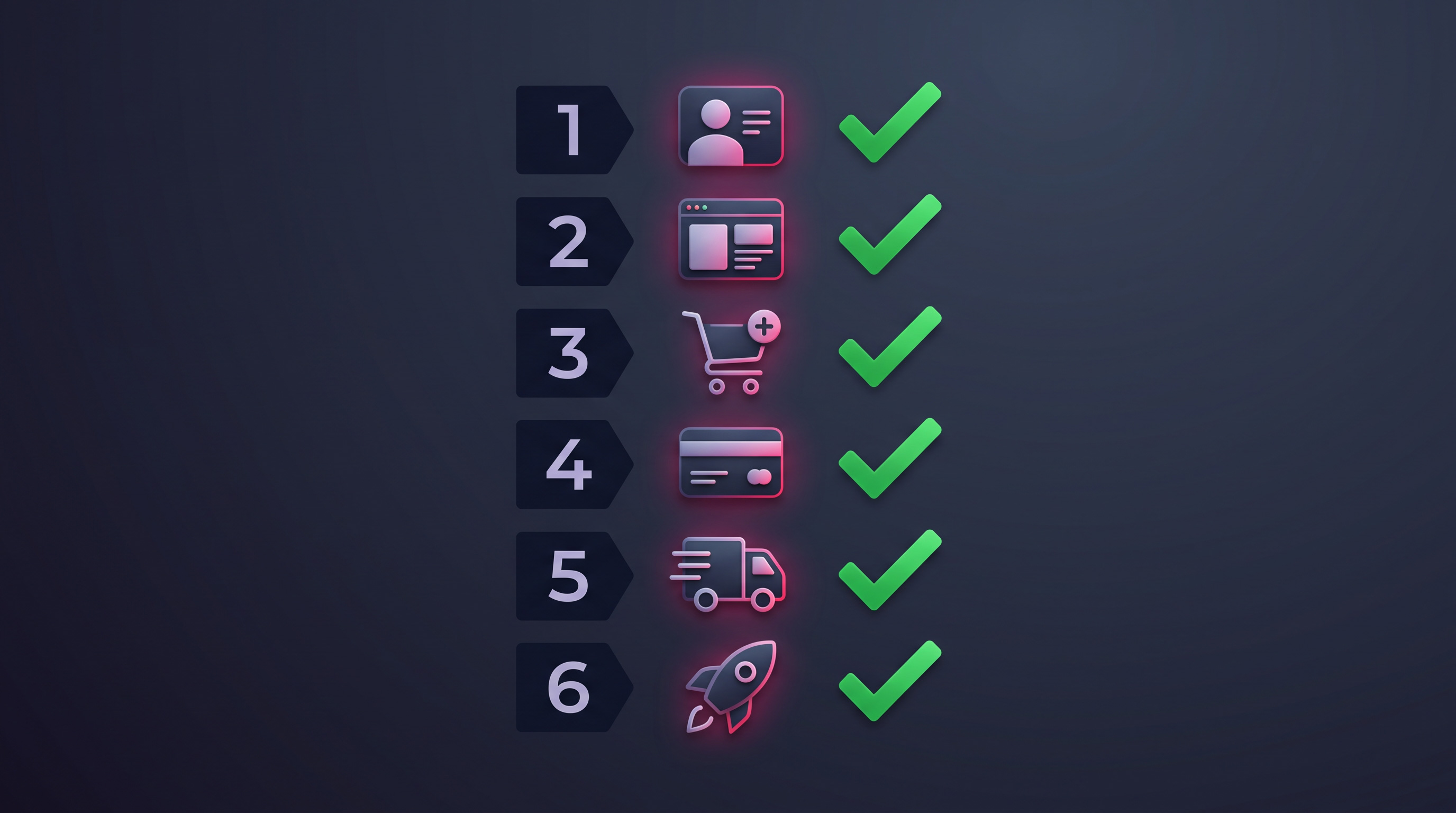
3. Add your products properly
This is where sales are won or lost. For each product, add clear, well-lit photos from a few angles, an honest and useful description, the price, and stock quantity. Organise products into logical collections (categories) so customers can browse easily. Good photos and descriptions matter more than almost anything else — they’re doing the job a salesperson would do in a physical shop, so give them real attention.
Don’t cut corners here to save time. A blurry photo or a one-line description makes even a great product look untrustworthy, especially to a first-time buyer who can’t hold it in their hands. If you invest effort anywhere in setup, invest it in your product pages — they are your store’s shop floor.
4. Set up payments — including Cash on Delivery
This is the most important Pakistan-specific step. Connect a payment gateway so customers can pay by card, and — crucially — enable Cash on Delivery, which a large share of Pakistani customers still prefer. COD removes the biggest barrier to a first purchase from a store people don’t yet know, so it’s essential rather than optional. Many stores use a dedicated app to manage COD orders cleanly.
Offer the payment methods your customers actually trust, not just the ones that are easiest to set up. A checkout that only accepts card payments will quietly turn away a big chunk of Pakistani buyers. Our guide on accepting online payments in Pakistan covers the full range of options and how to combine them.
The step everyone skips: before launch, place a real test order on your phone — add to cart, check out, choose Cash on Delivery, and confirm the order and email work. If anything is confusing or broken on a mid-range phone, fix it now. That five-minute test saves you lost sales later.
5. Configure shipping and courier delivery
Set up your shipping rates so customers see a clear delivery cost at checkout — a surprise charge at the last moment is one of the top reasons people abandon their carts. Decide on a sensible approach, such as a flat rate or free delivery above a certain order value, and connect a Pakistani courier so orders flow to delivery without manual copying. Getting this right keeps your operation smooth as orders grow.
Show realistic delivery timeframes and, where possible, tracking, so customers know what to expect. Reliable, well-communicated delivery is a huge trust builder in Pakistan, where online shopping confidence is still growing. It’s worth setting up properly rather than improvising after your first orders arrive.
6. Test everything, then launch
Before you go live, walk through your store as a customer would: browse products, add to cart, check out with Cash on Delivery, and confirm you receive the order notification. Check it all on a phone, since that’s where most of your customers are. Fix anything slow, confusing, or broken. Then connect your custom domain, and you’re ready to open.
Launch when the store is solid, not when it’s flawless — waiting for perfect means never launching. Your first orders will teach you more than another month of tweaking ever could. Open the doors, start driving visitors, and refine as you learn what your customers respond to.
The first week after launch
Launching is the start, not the finish. In your first week, keep a close eye on how real visitors behave: are they reaching checkout, or dropping off somewhere? Is Cash on Delivery being chosen? Are orders and notifications coming through cleanly? Small issues that never showed up in testing often surface once real customers arrive, and catching them quickly protects those precious first sales.
This is also the moment to start driving traffic and gathering feedback. Announce your store to your network, post your products on social media, and ask your first customers how the experience felt. Every early order teaches you something — which product photos convert, where people hesitate, what questions keep coming up — and feeding those lessons straight back into the store is how a good launch turns into a growing business. Refine as you go rather than waiting for a perfect version that never comes.
The bottom line
Setting up a Shopify store in Pakistan is a logical sequence: get your account and settings right, customise a clean theme, add products with great photos and descriptions, enable Cash on Delivery alongside card payments, configure courier delivery, test the whole journey on a phone, and launch. Do each step properly and you’ll have a store that not only works but genuinely earns customers’ trust. If you’d rather have it built and set up for you, that’s exactly what we do.
Want your Shopify store set up for you?
Don’t fancy doing all this yourself? We set up complete Shopify stores for Pakistani businesses — theme, products, Cash on Delivery, courier integration, the lot — ready to take orders. Tell us what you sell and get a clear quote within 24 hours.
Frequently asked questions
Can I set up a Shopify store myself in Pakistan?
Yes — Shopify is designed to be usable without coding. Following the steps in order (account, theme, products, payments, delivery, test, launch) gets you a working store. The trickier Pakistan-specific parts are Cash on Delivery and courier setup, which are worth getting right or getting help with.
How long does it take to set up a Shopify store?
A basic store can be set up in a few days if your products, photos, and content are ready. The build itself is quick; preparing good product photos and descriptions is what takes the time. Having your content prepared in advance is the single biggest way to speed things up.
What do I need before I start?
Have your product list, good photos, descriptions, and prices ready, plus your business details and a domain name in mind. Decide on your delivery approach and which courier you’ll use. The more of this you prepare upfront, the faster and smoother the setup will be.
Do I need a custom domain for my Shopify store?
Yes, for a professional store you should connect your own domain (like yourbrand.pk) rather than using the default Shopify address. It looks more trustworthy, is easier to remember, and is better for branding. You can buy a domain and connect it during setup, before you launch.
What should I do straight after launching?
Watch how real visitors behave, announce your store to your network and on social media, and gather feedback from your first customers. Keep an eye on whether people are reaching checkout and choosing Cash on Delivery, and fix anything confusing quickly. Your first orders teach you more than another month of tweaking, so launch, drive traffic, and refine as you learn.
Related articles
How Shopify Payments Work in Pakistan
How customers actually pay you on a Pakistani Shopify store — local gateways, Cash on Delivery, and getting your checkout right.
How to Migrate to Shopify in Pakistan (Without Losing Rankings)
How to move an existing store to Shopify safely — keeping your data, customers, and search rankings intact.
How to Choose a Shopify Theme for Your Pakistani Store
How to choose a Shopify theme the right way — speed, mobile experience, and clarity that converts, not just good looks.