WordPress Security Guide for Pakistani Business Owners
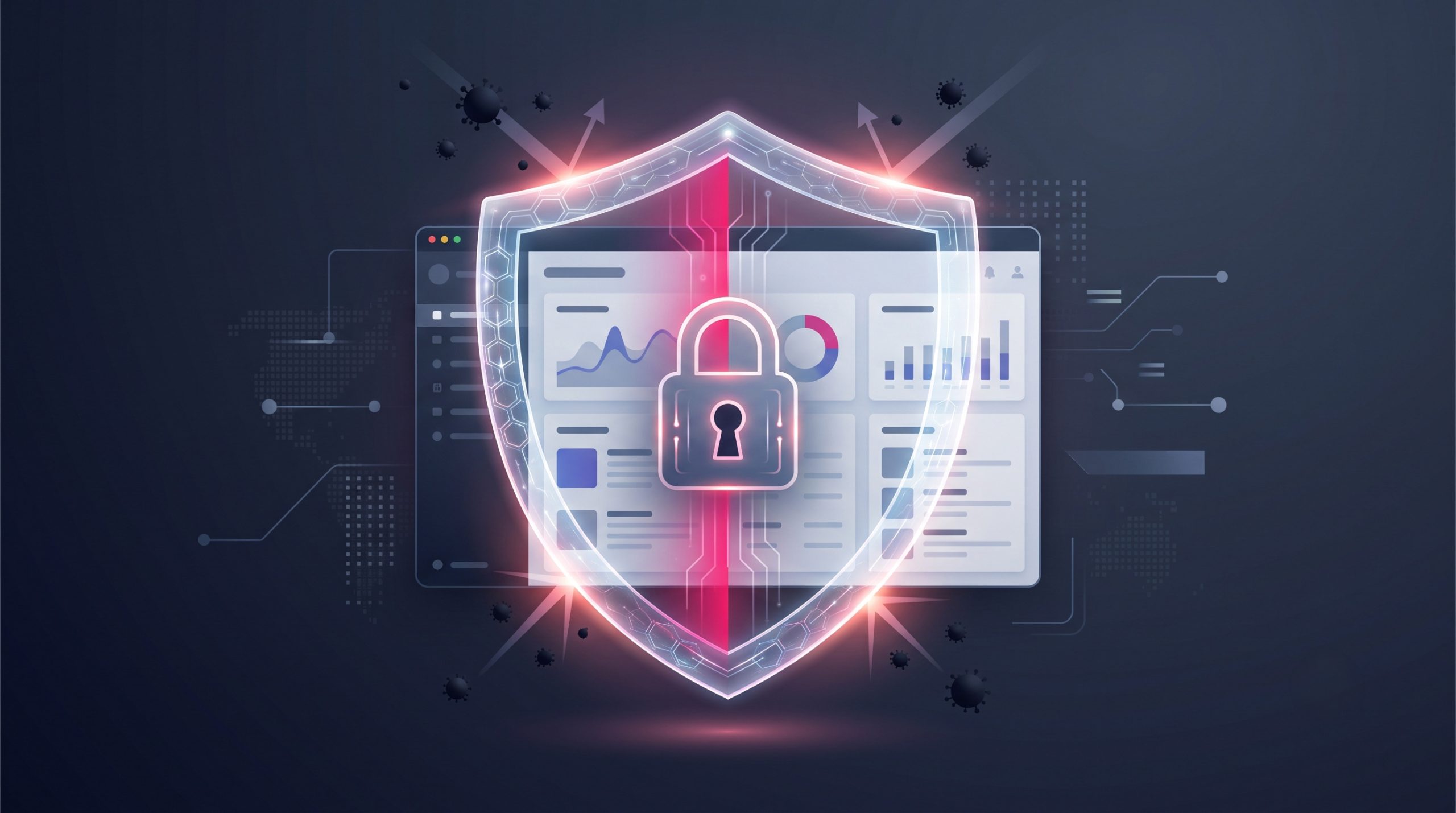
A hacked website can cost you customers, your Google rankings, and your reputation overnight — and Pakistani businesses are targeted just as often as anyone else. The reassuring news is that WordPress security is mostly about a handful of sensible habits, not expensive tools. This guide gives Pakistani business owners a clear, practical plan to keep their website safe.
Key takeaways
- Most WordPress sites are hacked through outdated plugins, weak passwords, or pirated (nulled) themes — not clever attacks.
- Strong passwords, two-factor login, and regular updates block the overwhelming majority of threats.
- A reliable off-site backup is your ultimate safety net — if the worst happens, you can restore in minutes.
- Security is ongoing, not a one-time setup. A short routine keeps your site protected for the long run.
Because WordPress powers such a large share of the internet, it’s a constant target for automated attacks — bots that scan thousands of sites a day looking for an easy way in. That sounds alarming, but it works in your favour: those bots go after the easiest targets. Close the common gaps and they simply move on. Good WordPress security is about not being the easy target.
How WordPress sites actually get hacked
Before the fixes, it helps to understand the real threats. In our experience recovering hacked sites for Pakistani businesses, almost every case traces back to one of these:
- Outdated software. An old plugin, theme, or WordPress version with a known vulnerability that was never patched.
- Weak or reused passwords. Bots guess simple passwords in seconds, and a password reused from a leaked site is already public.
- Nulled themes and plugins. Pirated “premium for free” downloads that come pre-loaded with hidden malware — the single most common self-inflicted hack in Pakistan.
- Cheap, insecure hosting. Overcrowded shared servers where one hacked site can infect its neighbours.
- No firewall or login protection. Leaving the front door open to unlimited password-guessing attempts.
The WordPress security essentials
1. Use strong passwords and two-factor authentication
Every admin account should have a long, unique password — ideally generated by a password manager. Then add two-factor authentication (2FA), which requires a code from your phone to log in. Even if someone steals your password, 2FA stops them cold. This one step alone blocks most account takeovers.
2. Keep everything updated
Updates aren’t just new features — they’re mostly security patches. Update WordPress core, your theme, and every plugin promptly (after taking a backup). A site running current software is dramatically harder to attack than one that’s months behind.
3. Install a security plugin with a firewall
A reputable security plugin adds a firewall that blocks malicious traffic, limits failed login attempts, and scans your files for malware. Configure it once and it works quietly in the background, turning away the automated attacks that make up most threats.
4. Never use nulled themes or plugins
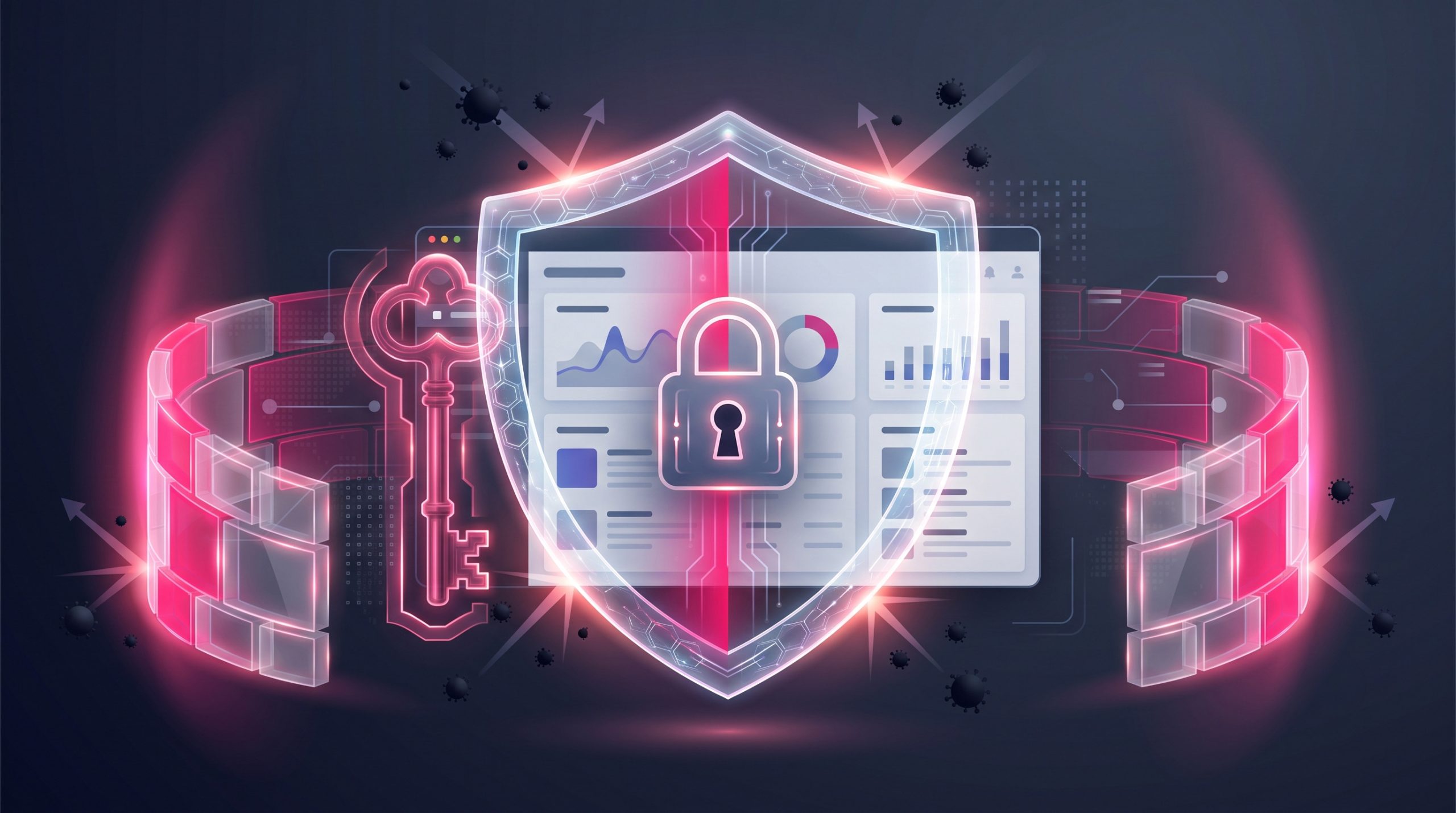
This deserves its own point because it’s so common and so damaging. A “free” pirated premium plugin from an unofficial source almost always contains hidden code that gives attackers a backdoor into your site — often to send spam, steal data, or redirect your visitors. The few thousand rupees you save are never worth the clean-up. Only ever install software from the official WordPress directory or the original developer.
5. Choose secure hosting and enable HTTPS
Your host is your foundation. Reputable hosting isolates accounts, keeps server software patched, and offers free SSL certificates. Make sure your site loads over HTTPS (the padlock) — it encrypts data between your visitors and your site, and both customers and Google now expect it as standard.
If you only do one thing: set up automatic, off-site backups today. Every other security measure reduces the chance of a problem — a good backup guarantees you can recover from one. It’s the difference between a five-minute restore and losing your website for good.
Your WordPress security checklist
| Measure | Protects against | Effort |
|---|---|---|
| Strong passwords + 2FA | Account takeovers | Low |
| Regular updates | Known vulnerabilities | Low |
| Security plugin + firewall | Automated attacks | Low |
| Off-site backups | Total loss / ransomware | Low (automated) |
| No nulled software | Built-in malware | None — just discipline |
| Secure hosting + HTTPS | Server-level attacks | One-time |
Worried your website isn’t secure?
Our team hardens and monitors WordPress sites for Pakistani businesses — backups, firewalls, updates, and malware protection, all handled for you.
Extra protection for online stores
If you run a WooCommerce store or any site that handles customer details and payments, the stakes are higher and a few extra measures are worth putting in place. You’re now responsible not just for your own data, but for your customers’ trust — and a breach on a store does far more reputational damage than one on a simple brochure site.
- Back up more often. A store changes constantly with new orders, so daily backups are sensible rather than weekly.
- Limit admin accounts. Give staff only the access level they need, and remove accounts the moment someone leaves.
- Use a reputable payment gateway. Let established gateways handle card data so sensitive payment details never sit on your own server.
- Monitor for unusual activity. Sudden spikes in failed logins or unexpected admin changes are early warning signs worth investigating immediately.
None of this is complicated, but it does need to be deliberate. A store that treats security as an ongoing responsibility rather than a one-time task keeps both its revenue and its customers’ confidence intact.
Common WordPress security myths
A few persistent myths give Pakistani business owners a false sense of safety. Clearing them up is half the battle.
“My site is too small to be hacked.” This is the most dangerous myth of all. The vast majority of attacks aren’t targeted — they’re automated bots scanning every site they can find. A small local business site is exactly the kind of easy, unmonitored target they look for. Size offers no protection at all.
“I have nothing worth stealing.” Hackers rarely want your content. They want your server to send spam, host scam pages, mine cryptocurrency, or attack other sites — all while damaging your reputation and getting you blacklisted by Google. Your website has value to them even if it doesn’t feel valuable to you.
“A security plugin means I’m fully protected.” A security plugin is important, but it’s one layer, not a force field. It can’t save a site with a reused password, a nulled theme, or no backups. Real security is the combination of habits in this guide working together.
“HTTPS means my site is secure.” HTTPS encrypts the connection between your visitor and your site, which is essential — but it does nothing to stop a hacker exploiting an outdated plugin. It’s one necessary piece, not the whole picture.
What to do if your site is already hacked
If you suspect your site has been compromised — strange redirects, spam pages you didn’t create, a warning in Google, or your host suspending the account — act calmly and in order:
- Take the site offline or into maintenance mode to protect visitors while you work.
- Change every password — WordPress admin, hosting, database, and FTP.
- Restore from a clean backup taken before the hack, if you have one. This is the fastest reliable fix.
- Scan and remove malware with a security plugin, and delete any unfamiliar files or user accounts.
- Update everything and, once clean, ask Google to review the site if it was flagged.
If that feels overwhelming, it’s exactly the kind of thing we handle regularly. A professional clean-up removes the malware, closes the hole that let it in, and gets you back online safely — far faster than fighting it alone.
Frequently asked questions
Is WordPress safe for a business website?
Yes. WordPress itself is secure and used by countless major organisations. Most security problems come from how a site is maintained — outdated plugins, weak passwords, or pirated software — not from WordPress itself. Follow the basics in this guide and your site is well protected.
Do I need a paid security plugin?
Not necessarily. The free versions of reputable security plugins cover the essentials — firewall, login protection, and malware scanning — for most small business sites. Paid tiers add convenience and advanced features, which become worthwhile as your site grows.
How often should I back up my website?
At least weekly for most business sites, and before every update. Stores or frequently updated sites should back up daily. Always keep a copy off-site so a server failure can’t take your backup with it.
Can you secure or recover my hacked WordPress site?
Yes. We clean up hacked sites, remove malware, and harden them against future attacks, plus offer ongoing monitoring. Contact us and we’ll assess your situation quickly.
Protect your website before you need to
WordPress security isn’t complicated, but it does need to be deliberate. Strong passwords, two-factor login, regular updates, a firewall, off-site backups, and a firm no to pirated software will keep the vast majority of Pakistani business websites safe. Put these in place now, while everything is working — it’s always cheaper than recovering after an attack. If you’d like it handled professionally, our maintenance and security service keeps your site protected around the clock, and a quick free website audit will show you where your current site stands.
Related articles
Why WordPress Powers 43% of the Internet
Why does WordPress power 43% of the internet? Six reasons — free, open-source, flexible, owned by you — and what that means…
WordPress vs Wix for Pakistani Businesses
WordPress vs Wix for Pakistani businesses — an honest comparison of cost, ease, design, SEO, and ownership to help you choose the…

How to Speed Up Your WordPress Website in Pakistan
Slow WordPress site? Learn how to speed up your WordPress website in Pakistan — images, caching, hosting, and CDN — for better…